How to sign up?
You can either sign up to 4shared in one click via your Facebook, Twitter or Google account, or use your own email address* and password.
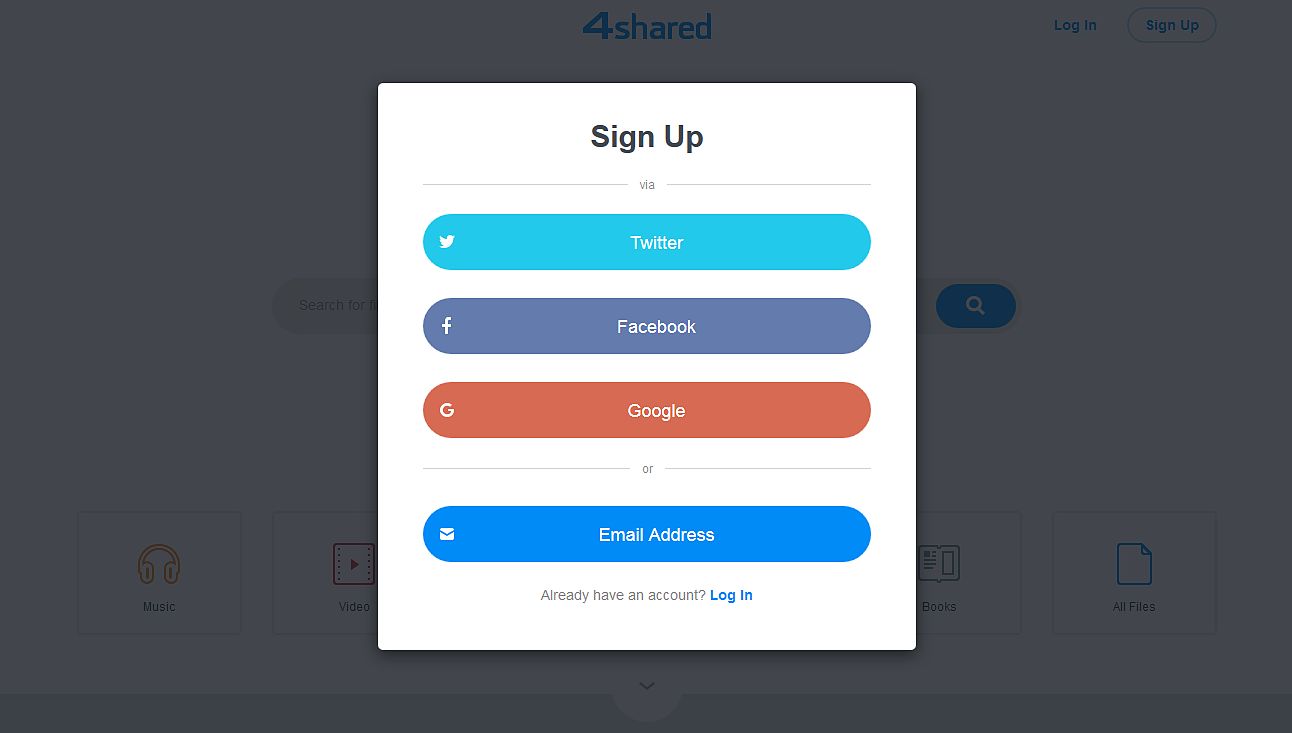 *Your account registration at 4shared isn’t complete until you verify your
email address.
*Your account registration at 4shared isn’t complete until you verify your
email address.
How to log in?
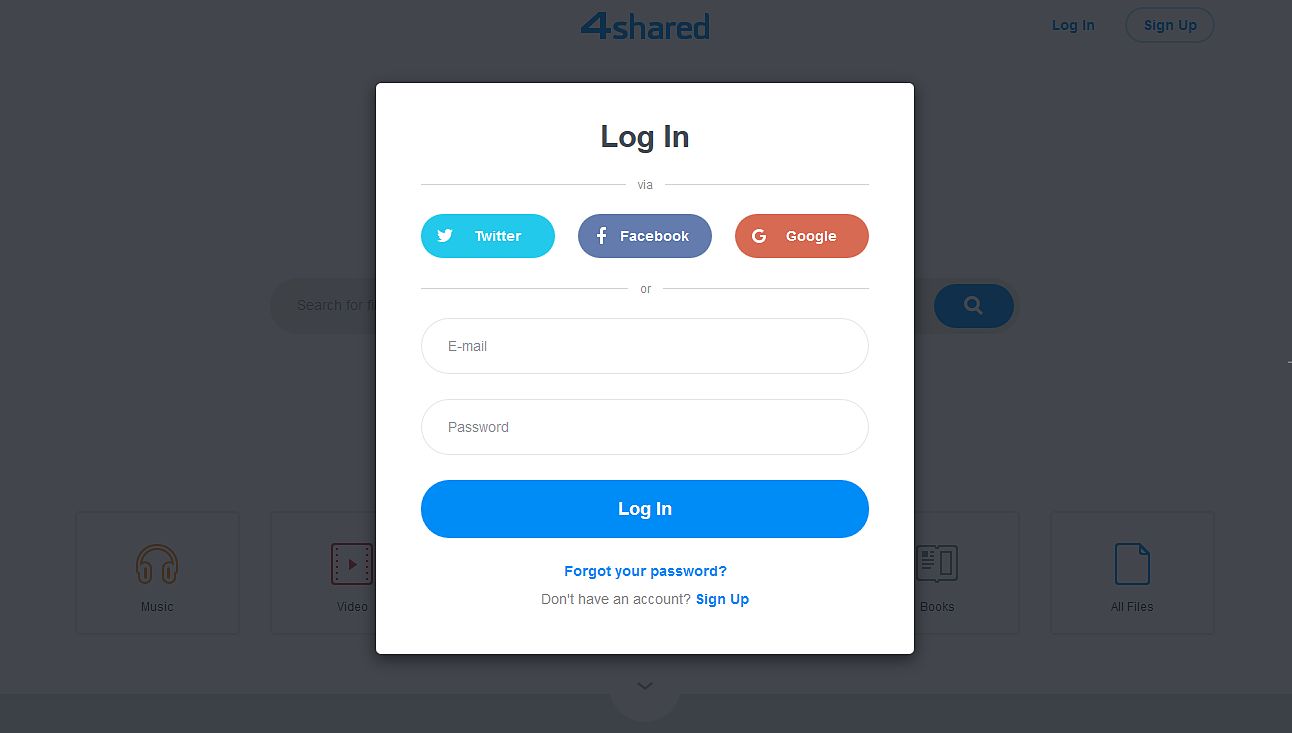
Use your email and password to log in your 4shared account or sign in via your account in Facebook, Twitter and Google.
How to restore/reset your account password?
If you forgot your 4shared account password, click Forgot Password? in the web log-in window or click here to access the Reset Password page. Enter your account e-mail at the opened page and click Send. You will receive the instructions how to change your password on the entered e-mail address.
Need more information? Please visit the Forgot Password section in 4shared Knowledge Base.How to change 4shared account password?
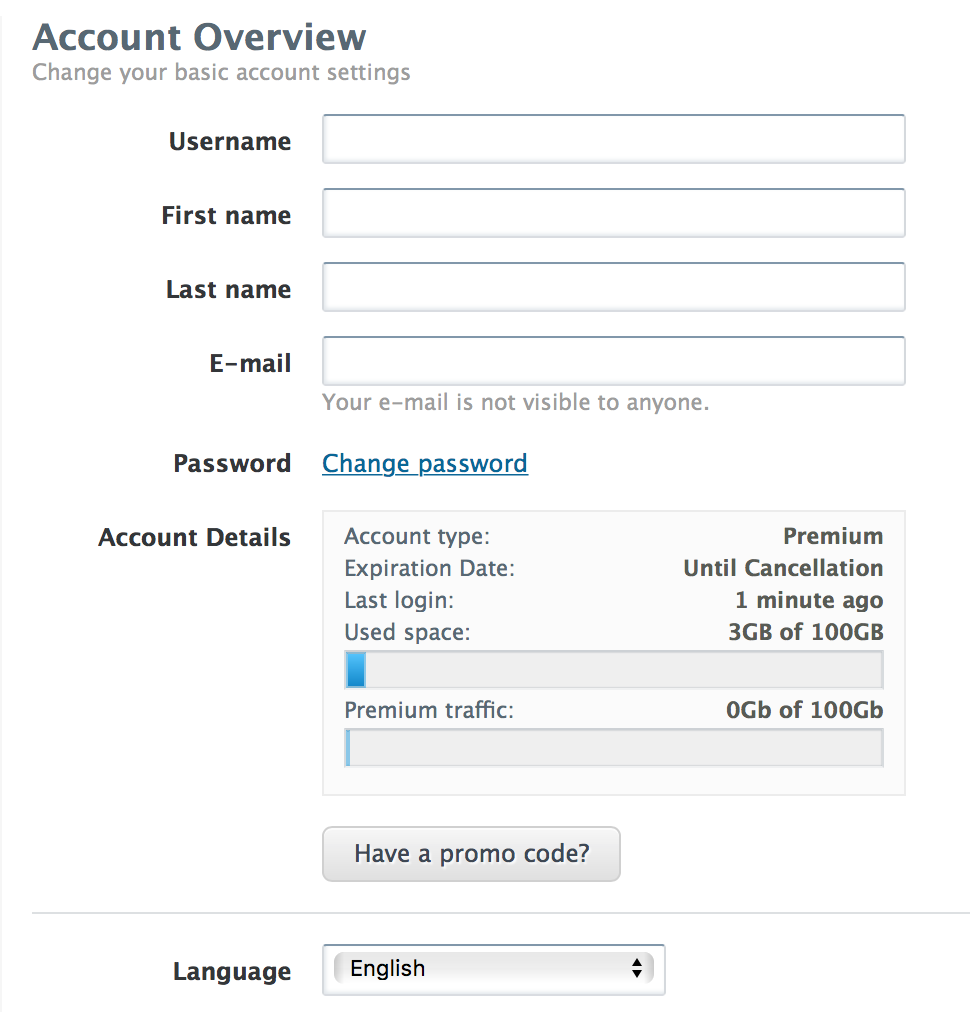
Click the "Settings" icon in your 4shared web account, select Settings in the list of menu options. In the opened Account Overview tab, click Change Password, then enter the old password, the new password and confirm the new password in the corresponding fields of the opened pop-up window. Click OK to save changes.

How to change your 4shared username?
Click the "Settings" icon in your 4shared web account and select Settings in the list of menu options. You'll find your 4shared username in the Account Overview tab. Enter the new username in the corresponding fields and click the Save changes button.